
Documents & Forms
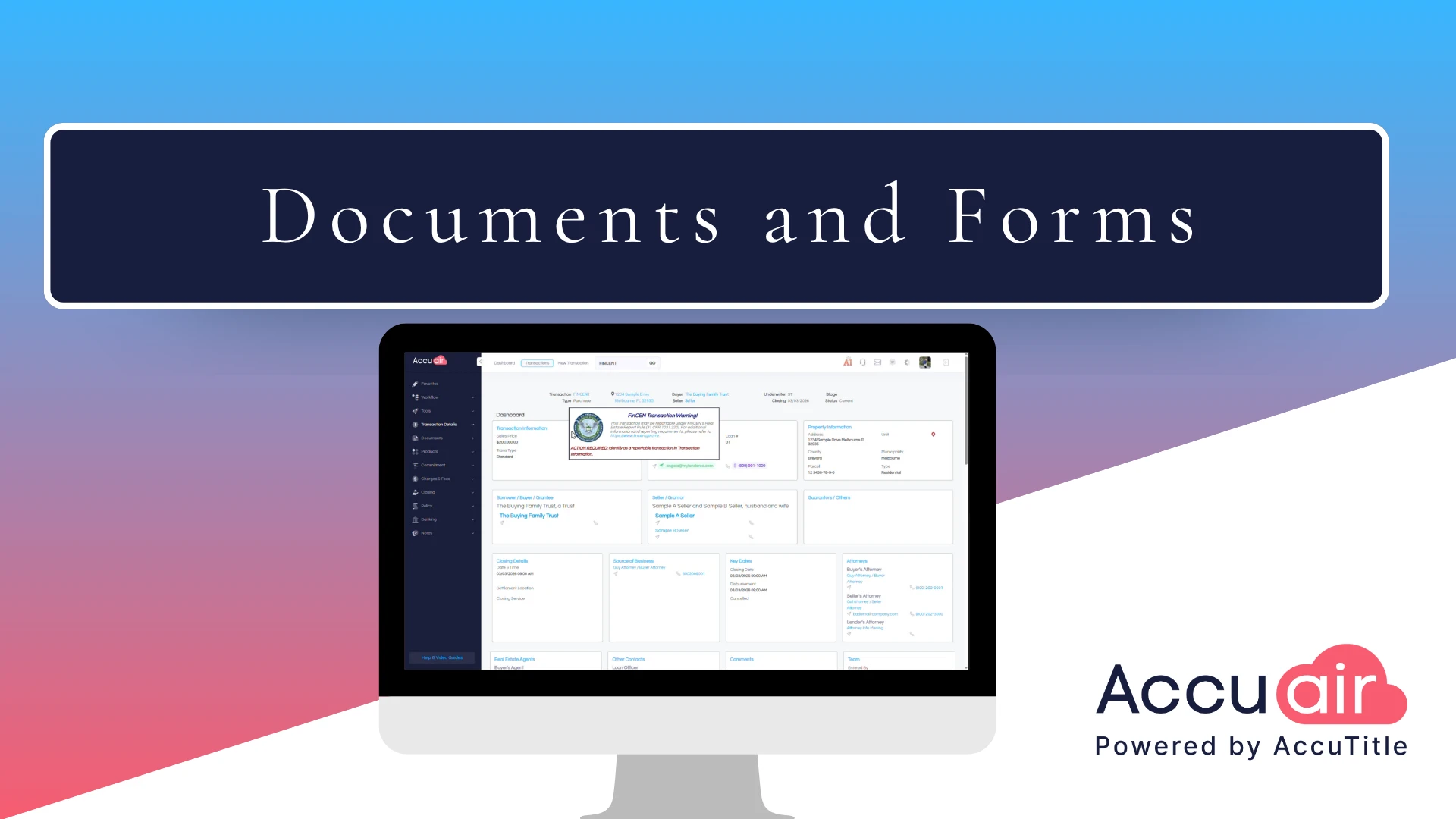
AccuAir Documents & Forms make document management simple and secure for title professionals. This walkthrough highlights AccuAir’s library of state-specific, underwriter-approved templates, along with automated data merge, customizable signature and notary blocks, and in-browser editing.
Generate, edit, and share compliant documents effortlessly—with AccuAir.
Transcript:
AccuAir is equipped with a robust library of intuitive state-specific and underwriter approved documents and templates designed to help you work smarter and faster with customizable signature and notary blocks. Generating documents in AccuAir is not only accurate, it’s effortless. From the documents section, you can generate a single form or an entire document set with just a few clicks. Simply click the create button, select from a preloaded set or search by name. Let’s take a look at an example using the smart commitment set. We’ll generate both the commitment and cover letter. Just select the documents you need, click add, then Create, and you’re done. AccuAir automatically pulls data from your application and inserts it into each document. Once generated, the files appear in Word format ready to open in your browser.
Using the AccuTitle document editor, you can edit them directly in browser and save them right back to the closing file. No downloading needed. Need to combine documents into a single PDF Easy. Just select your files. Click the PDF button in the toolbar and everything is bundled for you. Documents can also be sent securely in just a few steps. Select the files, click send, and choose to either email them or publish directly to the My Title Vault secure portal. Click the button to view all transaction parties with emails on file. From there, select who should receive the documents. Then hit save and send. Once sent, each document is marked with a sent icon.
Hover over it to see exactly how and when the document was delivered, whether by email or secure portal, along with the recipient’s email address with AccuAir Document creation, editing and sharing is seamless, keeping your workflow efficient and your transactions on track.

* These fields are required.