
Automatic Reviews
AccuAir Automatic Reviews make it easy for title professionals to build and manage a strong online reputation. This walkthrough shows how to automatically request and collect client reviews with just a few simple steps—no manual follow-ups required.
By streamlining the review process, agencies can increase review volume, improve visibility, and showcase trust and credibility online. Strengthen your brand and stay focused on closing—with AccuAir.
Transcript:
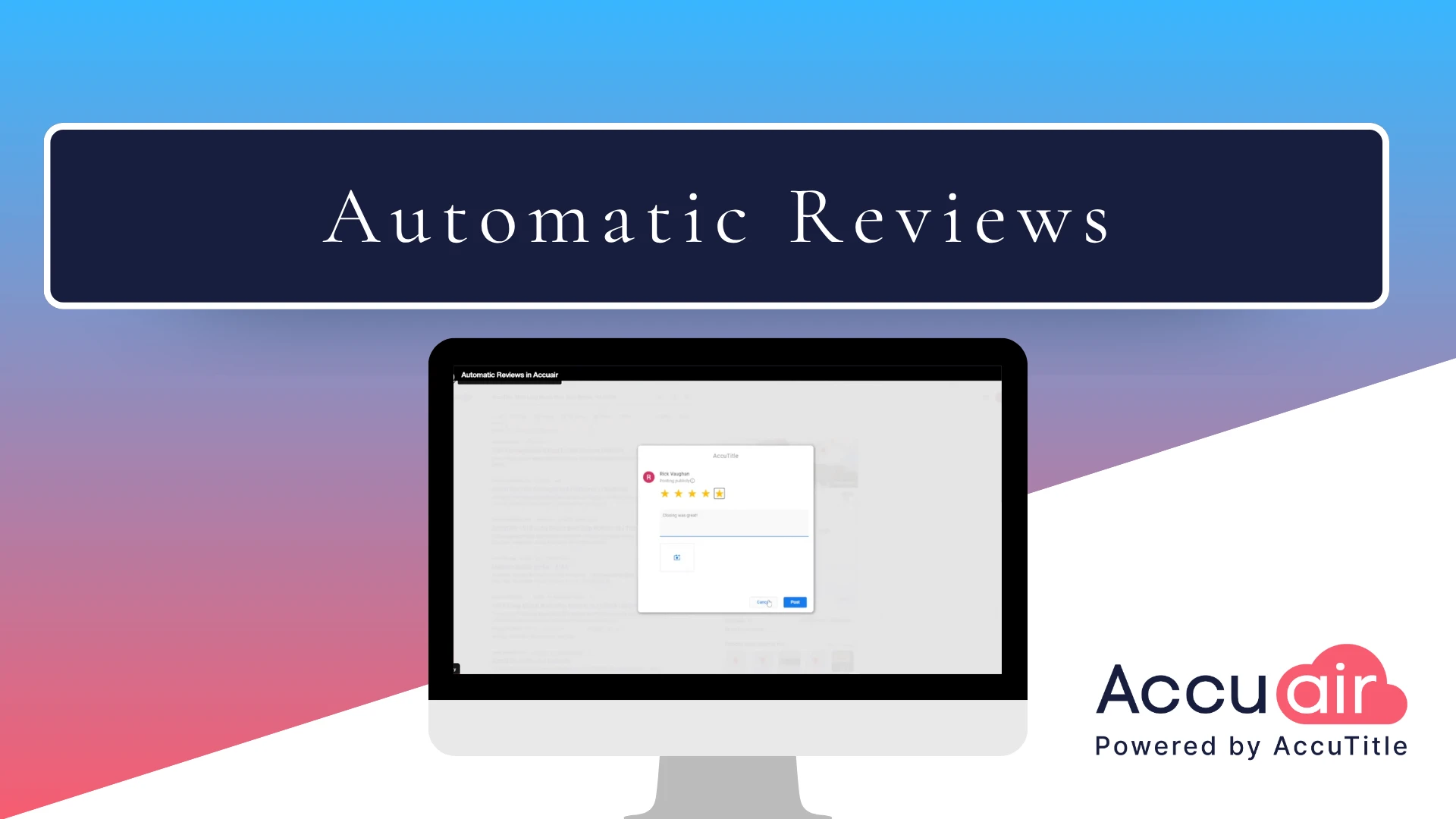
Hello! Let’s talk about boosting your agency’s online reputation with AccuAir’s Automatic Reviews module. If you are interested in automatic reviews, contact your sales representative at the phone number or email address you see on the screen. Now, let’s take a look at how it works. We start on the transaction dashboard in AccuAir. Then we click closing details. Now all we have to do is add the closing complete date. We’re using the closing complete date in this example, but you can use other dates such as the disbursement date, if that better aligns to your agency’s existing processes. Simply hit save, and now the emails have been sent. Here’s an example of what the email to your clients will look like. Your clients simply need to click the link on the email and they’ll get to the review request form. From here, they simply need to place their review, and then they’ll just go ahead and click submit and continue. Once they’re done, now that they gave a five-star review, they’re going to be asked to complete the review on Google and Facebook. Let’s go ahead and do it on Google. You’ll see here that all they need to do is put the number of stars in again, and we’ve already copied the review to their clipboard for them to paste. Here’s an example of the dashboard you’ll receive. Thanks for watching this demonstration. Again, if you are interested in automatic reviews, please contact your sales representative at the email address or phone number you see on the screen now.

* These fields are required.