
Adding Additional Properties Made Easy
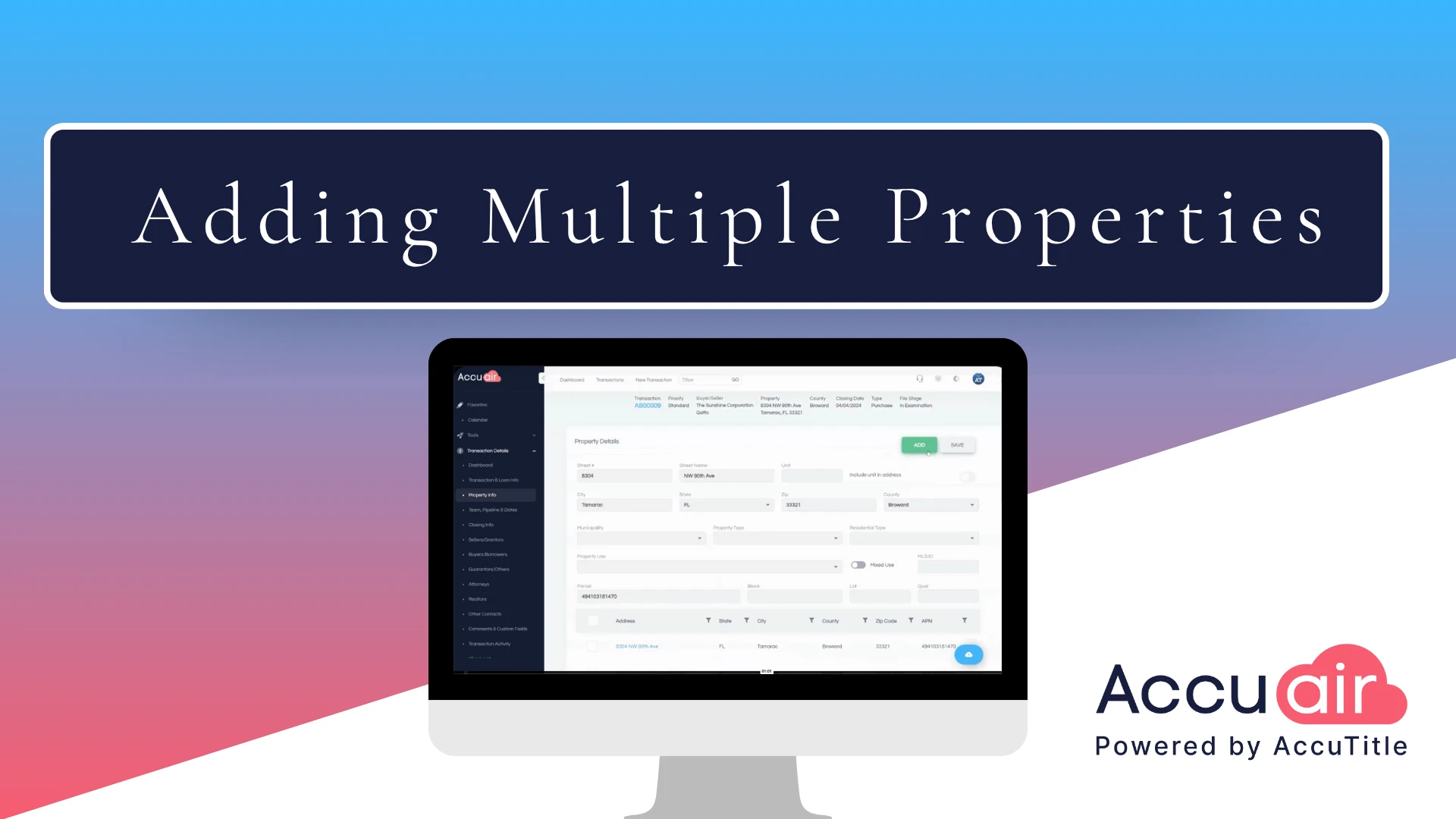
Adding Additional Properties in AccuAir makes even the most complex transactions easy to manage. This walkthrough highlights how title professionals can add multiple properties to a single transaction—ideal for commercial deals, portfolios, and unique closings like golf courses.
With AccuAir’s flexible, streamlined workflow, managing multi-property transactions is efficient, accurate, and stress-free. Simplify complex closings and keep every detail aligned—with AccuAir.
Transcript:
So let’s start with multiple properties. What’s great about AccuAir is that we have no limitations on how many properties you can add to a file. This is great if you’re a big commercial shop or if you are doing a unique type of closing, such as a golf course. Very common here in Florida, and I’m gonna show you how to add these properties to your transaction. All right, so first you’re gonna log into AccuAir.
Once you’re in, you can either go to a file that needs more properties added to it or create a new file. So let’s just go into a file where you need to add more parcels to the file. So you come in here and then you hit the property area, and then you see this little add button at the top. You’re going to click add, and go ahead and just start typing your property. We use Google APIs. It’s gonna start auto-filling the address. If you’re not doing a residential transaction, that’s totally fine. You can override the autofill anytime you need. If there are just parcels where you’re just literally naming the legal description for each and every parcel, that’s totally fine. Just go ahead and type it in. It will override the autofill. Once you have it, then say it is a typical address, it will query itself against the Property Appraiser’s website and try to bring in as much information as possible to help fill in the rest of this area. Of course, it’s not going to find every single piece, so you’ll have to add a little bit more here at the bottom. And then you just click save and done. You’ve added an additional property to your file and if you need to add more, you’ll just repeat the process over and over again, and coming soon is Bulk Add to our property section.









* These fields are required.