
Advanced Security Settings
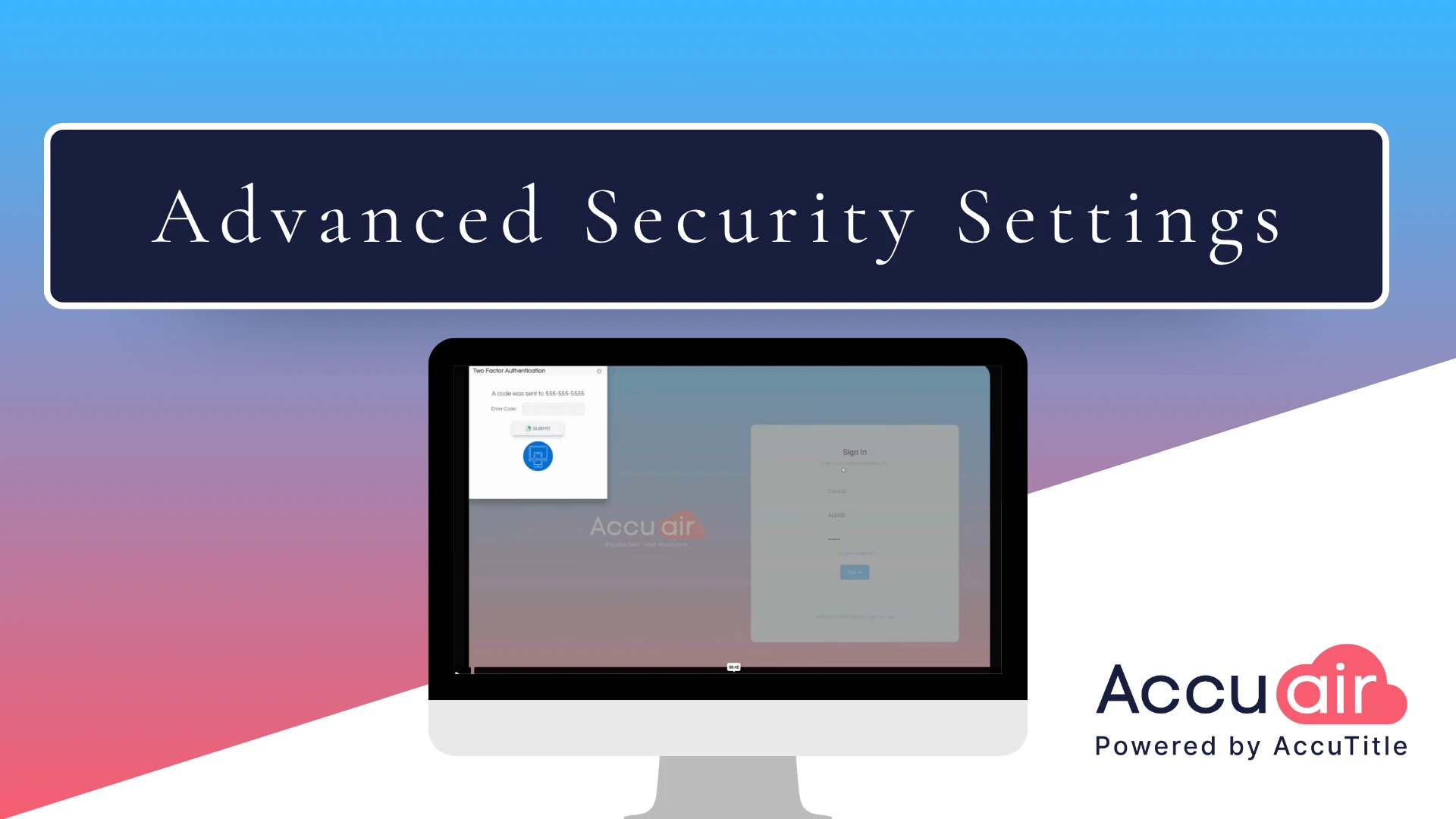
Advanced Security Settings in AccuAir are designed to protect your data at every step—no matter how or where you work. This walkthrough highlights the robust data privacy and security protections built into AccuAir, ensuring confidentiality and system safety across devices, including iPads and laptops.
With smart, secure safeguards in place, title professionals can work confidently knowing their data is protected—with AccuAir.
Transcript:
Today I wanna take you through some of my favorite features of our latest product, AccuAir. So let’s get into it. We’re gonna start with security. So the great thing about AccuAir, not only can you use it on your iPad, your iPhone, or any other device that you choose, but now we have heightened security. So you’re going to log in to AccuAir, and if you’re set up for two-factor authentication, you’re going to get a little ping on your cell phone or to your email, whichever one you choose.
So let me go ahead and do that, Bing. All right, I got my code. Let me put it in here. And then now we’re signed in securely with two-factor authentication. Now, once you’re in, there are some other great features for security in your account area. If you go to the account section, you’ll just click on your profile picture. If you are an admin, this is where you can set up the security for all of your users. You can set each user to be able to enter or not enter any module within the system. So if you scroll down here, you can select a user and then present certain roles for them, and then you can check that on or off for each and every user. Then you can set up the user per the different items that they need to work on the files, such as their signature blocks, their user credentials for integrations, and any other small ancillary details for that user profile.
* These fields are required.